
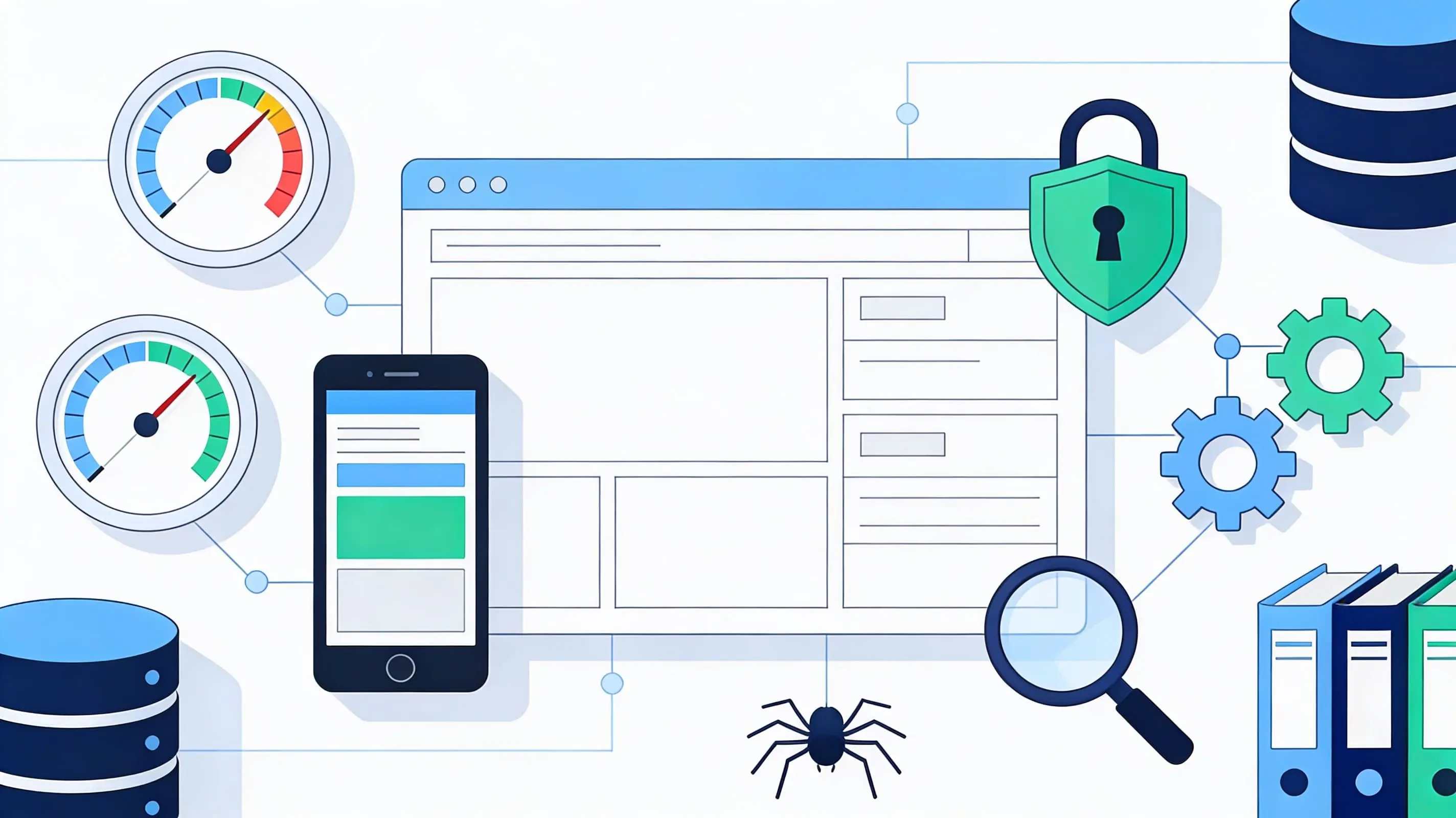
You've written great content, built some links, but your pages still don't show up or rank properly. It feels like Google is ignoring you. Sound familiar? The truth is, content and links alone aren't enough—search engines need to access, understand, and serve your pages efficiently. Technical SEO refers to optimizing the behind-the-scenes parts of your website—like speed, mobile-friendliness, site structure, and crawlability—so search engines can find, understand, and rank your pages. Without this foundation, even brilliant content and powerful backlinks struggle to deliver results. If you're wondering what technical SEO is and whether you really need it, you're in the right place. This guide will walk you through what technical SEO means, how it fits with on-page and off-page SEO, and what practical steps you can take, even as a complete beginner.
What Is Technical SEO? (The Clear Definition)
Technical SEO is all about how your website is built and how it behaves behind the scenes. It focuses on making your site easy for search engines to crawl, index, and understand, and smooth for users to navigate. Think of your website as a house: on-page SEO is how you decorate the rooms, off-page SEO is what neighbors say about your house, and technical SEO is the plumbing, wiring, and foundations that make everything actually work. Or imagine it like tuning a car engine so it runs smoothly, efficiently, and safely on the road.
What technical SEO includes:
Proper crawling and indexing through robots.txt and XML sitemaps
Canonical tags and duplicate content control
Core Web Vitals and overall user experience
What it's NOT:
Technical SEO is not about writing content or optimizing keywords—that's on-page SEO. It's not about getting links or social mentions—that's off-page SEO. And it's not about flashy design; it's about how everything works under the hood.
Search engines need to crawl and index your pages before they can rank them. Technical SEO makes sure your site is accessible, fast, and understandable, which gives your content and links a real chance to perform.
Technical SEO vs On-Page SEO vs Off-Page SEO
Understanding how technical SEO fits within the broader SEO landscape helps clarify where to focus your efforts. All three pillars work together like a coordinated system—you can't ignore one and expect great results.
On-Page SEO (On-Site SEO):
This covers what you do on individual pages. Examples include keywords, titles, meta descriptions, headings, and content quality. The focus is on relevance, readability, and satisfying search intent.
Off-Page SEO:
This involves what happens off your site. Examples include backlinks, brand mentions, social signals, and reviews. The focus is on authority, trust, and reputation.
Technical SEO:
This encompasses everything under the hood and behind the scenes. Examples include site speed, HTTPS, mobile-friendliness, crawlability, structured data, and Core Web Vitals. The focus is on how search engines access, understand, and serve your site.
Here's the easiest way to remember the difference:
All three work together like a three-part system. You can't ignore technical SEO and expect great results, even with good content and links. This article focuses specifically on technical SEO, while acknowledging the others complement each other to build a strong search presence.
Why Technical SEO Matters
Technical SEO creates the foundation that allows your entire SEO strategy to function properly.
For Search Engines:
Technical SEO helps them crawl your pages efficiently so nothing important is missed. It ensures your pages are indexable and correctly understood. It provides clear signals about site structure, priority, and relationships between pages.
For Your Business/Website:
A faster website leads to better user satisfaction and conversions. Improved crawl efficiency means new and updated content gets discovered sooner. Reducing technical errors quietly protects rankings and visibility that might otherwise suffer.
For Users:
Technical SEO delivers faster load times and stable pages on all devices. It ensures secure browsing with HTTPS. Fewer broken pages or confusing navigation paths improve the overall experience.
Technical SEO is the foundation you can't reliably build authority or rank content on a slow, broken, or poorly structured site. Getting the basics right protects your long-term SEO efforts and keeps your visitors happy.
Essential Technical SEO Elements Explained
Now that you know what technical SEO is, let's walk through the key elements you'll need to understand and improve. Don't worry—we'll go step by step and keep things as simple and actionable as possible.
1. Site Speed & Performance
What it is: How quickly your pages load and respond to user actions.
Why it matters: Site speed impacts user experience, Core Web Vitals, and rankings. Google favors fast sites because users prefer them.
Key metrics: Largest Contentful Paint (LCP), Interaction to Next Paint (INP), and Cumulative Layout Shift (CLS) measure real user experience.
Optimization tips:
Compress images before uploading
Minimize JavaScript and CSS files
Enable browser caching and compression
Use a Content Delivery Network (CDN)
Choose reliable, fast hosting
Common mistakes: Heavy unused scripts, giant uncompressed images, and too many plugins slow pages down unnecessarily.
2. Mobile-Friendliness & Responsive Design
What it is: Your site adapting seamlessly to different screen sizes and devices.
Why it matters: Google uses mobile-first indexing, meaning it primarily looks at the mobile version of your site. Most users now browse on phones.
Optimization tips:
Use responsive themes that adjust automatically
Test pages on different devices regularly
Avoid tiny text and tap targets that frustrate mobile users
Ensure buttons and links are easily clickable
Tools: Google Mobile-Friendly Test and PageSpeed Insights help identify issues.
3. HTTPS & Site Security
What it is: A secure, encrypted connection using HTTPS instead of HTTP.
Why it matters: HTTPS protects user data, builds trust, and is a confirmed ranking factor.
Steps to implement:
Install an SSL certificate (often free through hosting providers)
Redirect all HTTP URLs to HTTPS
Fix any mixed content warnings that appear
Common mistake: Leaving some pages on HTTP or having mixed content weakens security and trust signals.
4. Crawlability (Robots.txt & Internal Links)
What crawlability is: How easily search bots can move through your site and discover pages.
Robots.txt: A file that tells crawlers which areas they can or can't access.
Best practices:
Don't accidentally block important pages
Allow access to CSS and JavaScript files needed to render pages properly
Use strong internal links to help bots discover deep content
Common mistakes: Blocking entire folders, disallowing key resources, or leaving pages orphaned without internal links pointing to them.
5. Indexability & Noindex Tags
What indexability is: Whether search engines are allowed to store and show your pages in search results.
Meta robots tags: Instructions like "index/noindex" and "follow/nofollow" control this.
Best practices:
Keep important pages indexable
Use noindex on thin, duplicate, or low-value pages like some tag pages or internal search results
Regularly audit to prevent accidental noindexing
Common mistake: Accidentally noindexing your main pages or entire site, which removes them from search results completely.
6. XML Sitemaps
What they are: XML files listing important URLs for search engines to find.
Why they matter: Sitemaps help bots discover content, especially on larger or more complex sites.
Best practices:
Include only canonical, indexable URLs
Submit your sitemap in Google Search Console
Update automatically when new content is added
Common mistake: Including noindexed pages or broken URLs in your sitemap confuses search engines.
7. Site Structure & URL Architecture
What site structure is: How your pages are organized and connected.
Good structure: Logical categories and clear hierarchy like Home → Category → Subcategory → Page make navigation intuitive.
URL best practices: Use clean, descriptive slugs and avoid messy parameters where possible.
Benefits: Easier navigation for users and clearer understanding for search engines about what matters most on your site.
8. Canonical Tags & Duplicate Content Control
What canonical tags are: HTML hints telling search engines which version of a similar page is the "main" one.
Why they matter: They prevent duplicate content issues across similar URLs, such as those with tracking parameters or print versions.
Best practices:
Set canonical URLs on pages with similar or identical content
Use them consistently across site variants like HTTP/HTTPS and www/non-www
Point canonicals to the preferred version
Common mistake: Inconsistent or missing canonicals lead search engines to index the wrong versions of pages.
9. Structured Data (Schema Markup)
What it is: Code you add to pages to help search engines understand content types like articles, products, FAQs, and reviews.
Why it matters: Structured data can lead to rich results in search—stars, FAQs, breadcrumbs—and provides better context.
Beginner tips:
Start with simple types like Breadcrumb, Article, or FAQ schemas
Use schema generators or plugins on CMS platforms
Test your markup with Google's Rich Results Test
Common mistake: Incorrect, spammy, or misleading markup can result in penalties or ignored data.
10. Core Web Vitals
What they are: Key metrics measuring real user experience: LCP (loading), CLS (visual stability), and INP (interactivity).
Why they matter: Google uses Core Web Vitals as ranking factors because they reflect actual user satisfaction.
Optimization tips:
Optimize above-the-fold content to load first
Prevent layout shifts by setting image and ad dimensions
Reduce render-blocking resources
Common mistake: Ignoring these metrics until they cause noticeable ranking drops.
11. 404 Pages & Redirects
What 404 errors are: "Page not found" messages users see when links break.
What redirects do: Send users and bots from old URLs to new ones using 301 (permanent) redirects.
Best practices:
Fix broken internal links promptly
Use 301 redirects for moved or merged pages
Avoid redirect chains (A→B→C) and loops that slow crawling
Common mistake: Letting broken links accumulate hurts user experience and wastes crawl budget.
12. Pagination & Faceted Navigation
What they are: Large catalogues or blogs often use pagination (page 1, 2, 3) and filters (faceted navigation).
Common issues: These can create duplicate pages and crawl traps if not handled properly.
Best practices: Keep it simple, link to main category pages clearly, and manage crawling carefully on filter pages.
13. Log Files & Crawl Budget
What crawl budget is: How often and how many pages search engines crawl on your site.
For beginners: Focus on fixing major technical issues first. Advanced log file analysis can come later as your site grows and becomes more complex.
How to Do Technical SEO (Step-by-Step Process)
Here's a simple, realistic workflow to get started with technical SEO:
1. Run a Basic Technical Audit
Use tools like SEO crawlers or Google Search Console to detect errors. Look for broken links, 404s, blocked pages, and slow pages.
2. Check Crawlability & Indexability
Review your robots.txt file and meta robots tags. Ensure important pages are both crawlable and indexable.
3. Improve Site Speed
Compress images, reduce large scripts, enable caching and compression. Test with speed tools and fix the biggest issues first.
4. Ensure Mobile-Friendliness
Test pages on different devices. Fix viewport issues, font sizes, and clickable elements.
5. Set Up HTTPS Properly
Install an SSL certificate and redirect HTTP to HTTPS. Fix any mixed content warnings.
6. Clean Up Site Structure & URLs
Organize content into logical categories. Avoid unnecessary URL parameters and duplication.
7. Generate & Submit an XML Sitemap
Make sure it includes only canonical, indexable URLs. Submit it in Google Search Console.
8. Implement Basic Structured Data
Start with breadcrumbs, articles, or FAQs using simple tools or plugins.
9. Fix 404s and Redirects
Redirect old or removed pages to the most relevant live alternatives. Update internal links to avoid unnecessary redirects.
10. Review, Monitor & Iterate
Re-run audits regularly. Track performance and key errors over time in Search Console.
Common Technical SEO Mistakes to Avoid
Blocking Important Pages in robots.txt:
Accidentally stopping search engines from crawling key sections prevents them from appearing in search.
Noindex on Critical Pages:
Meta tags preventing your main pages from being indexed removes them from search results entirely.
Slow, Heavy Pages:
Ignoring performance and Core Web Vitals frustrates users and hurts rankings.
No HTTPS or Mixed Content:
Security issues and browser warnings erode trust and rankings.
Broken Links & Redirect Chains:
Poor user experience wastes crawl budget and confuses search engines.
Poor Mobile Experience:
Desktop-focused design in a mobile-first world leaves most users struggling.
Duplicate Content & Missing Canonicals:
Confusing search engines about which version to rank dilutes your ranking power.
Ignoring Technical Errors in Search Console:
Letting issues pile up quietly hurts performance over time.
Technical SEO Best Practices for 2026
Focus on user experience: Fast, stable, mobile-friendly pages are more important than ever.
Align with Google's emphasis: Helpful content and good UX continue to be prioritized.
Keep Core Web Vitals within recommended thresholds: These metrics directly impact rankings.
Maintain clean, logical site architecture: Clear structure helps both users and bots.
Use HTTPS universally: Security is non-negotiable.
Implement structured data where it makes sense: Rich results improve visibility.
Stay up to date: Monitor major search and browser changes regularly.
Balance technical optimization: Combine technical improvements with strong on-page and off-page efforts.
Tools for Technical SEO
Free Tools:
Google Search Console: Monitor indexing, coverage, and errors
Google PageSpeed Insights: Analyze speed and Core Web Vitals
Lighthouse / Chrome DevTools: Audit performance and accessibility
Google Mobile-Friendly Test: Check mobile usability
Screaming Frog (limited free version): Crawl small sites for issues
Paid Tools:
Screaming Frog (full version): Comprehensive crawling for larger sites
Sitebulb: Visual site audits with detailed reporting
Ahrefs / SEMrush: Site audit features and ongoing monitoring
GTmetrix: In-depth speed and performance analysis
Cloudflare: Performance optimization and security features
These tools help with crawling and finding technical issues, analyzing speed and Core Web Vitals, monitoring indexing and coverage, and visualizing site structure.
Conclusion
Technical SEO is the set of behind-the-scenes improvements that make your site easy for search engines to crawl, index, and understand. It works together with on-page and off-page SEO as the foundation of long-term visibility. Technical SEO covers speed, mobile-friendliness, site structure, security, and more—all the elements that determine whether search engines can access and properly evaluate your content.
It can feel overwhelming at first, but you don't have to fix everything at once. Start with the basics—speed, mobile, crawlability—and build from there. Every technical improvement you make helps both search engines and your users. Pick one page or one part of your site to improve today. Run a basic technical audit and fix a few simple issues. Monitor Search Console for changes over time.
Technical SEO isn't a one-time project; it's ongoing maintenance that keeps your site healthy and competitive. Take it step by step, and you'll steadily build a stronger, more visible, and more reliable website. Understanding what technical SEO is gives you the foundation to compete effectively in search and deliver a better experience to everyone who visits your site.